No or Unsure moves to the next question. Yes opens details below.
ON THIS DEVICE
Your saved PDFs.
The exact copies you saved. These are records of prepared forms, not proof of delivery.
MAKE YOURSELF AT HOME
Ready for Android.
Choose how to install
Install from Chrome
Add the app to your home screen. No APK download needed.
Open this app’s link in Chrome on Android.
Sign in through this website’s access screen if prompted.
Tap Chrome’s ⋮ menu, then Add to Home screen or Install app.
Open it once online and wait for “Ready offline” before using it without internet.
If the install button is unavailable, use Chrome’s menu.
For clinic email, share the PDF and paste the copied clinic address into To.
Install an Android APK
APK download not available yet
A separate Android app must be built, signed and tested before it can be downloaded here. Selecting this option saves your preference; it does not install an APK.
The Android edition would need native email support to open a draft with the clinic address and PDF together. This is not included in the current Chrome app.
Save your clinic to contacts
Open the downloaded card and save it in your phone’s Contacts app. When sharing a PDF by email, type the clinic name in To and choose the saved contact. The contact card contains clinic details only.
Send from the app
Checking app email setup…
Clinic emails will come from the app’s address with your email as Reply-To. The PDF and reply address pass through the app server and its email service when you send. The app keeps a sending reference, not a server copy of your PDF.
How to email your PDF
This upload edition uses your phone’s email app: share the PDF, then paste the copied clinic address into To. The full server edition is required for automatic app email and provider sign-in.
Your data stays with you.
Patient details, photos and PDFs are stored in this browser’s local database only when you save them. Nothing you enter is sent to an AI service. This static upload edition does not send email through a server. Sharing a PDF instead uses the app you choose.
Local storage is not encrypted by this app, is not a backup, and can be lost if you clear browser data or the device runs out of storage. Save important PDFs elsewhere.
About this companion
Version 2.0.1 · Personal form preparation, without dose recommendations or clinical interpretation.
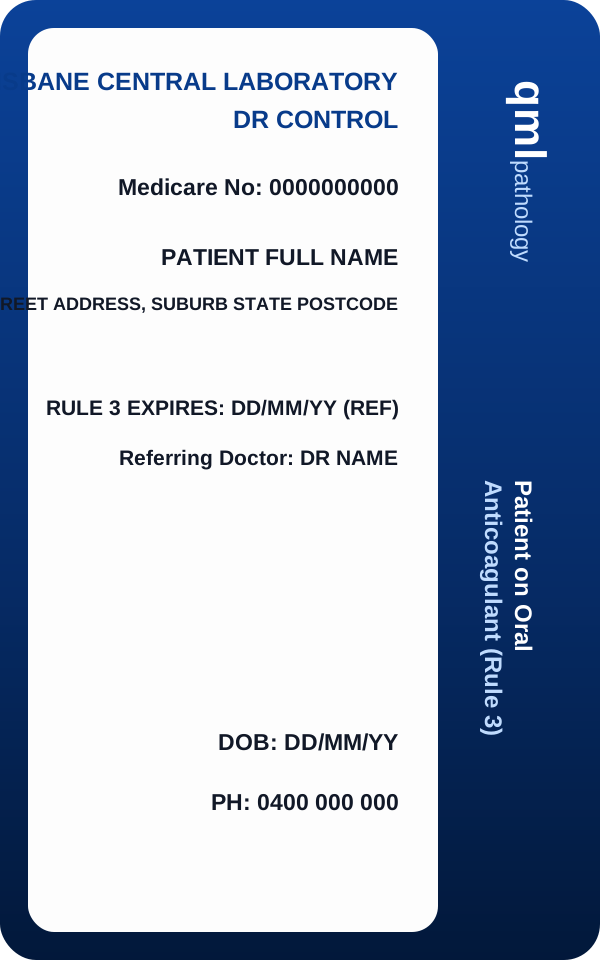
The card shown is a personal reference, not a replacement for your official card. Photo text is not automatically read. The official form is preserved with its native editable fields and both pages.